
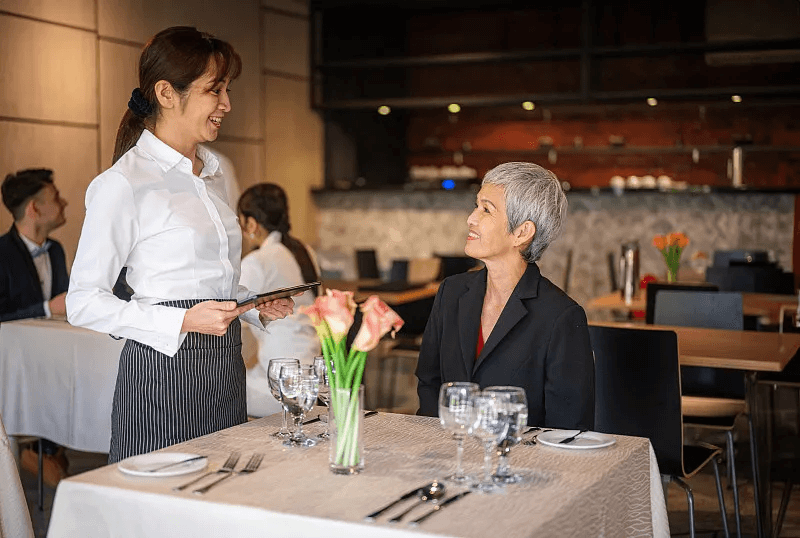
Personal service at every table
Keep table status, guest counts, and open checks within reach so staff can stay present with every guest.
Full-service restaurants
Intelura POS gives full-service restaurant teams the tools to manage table service, multi-course timing, open checks, split bills, kitchen coordination, and floor management - from one connected system, on any device, with no hardware required.
Dining Room
Friday service
Floor plan
18 / 24 activeT01
Serving4 guests
T02
Open2 guests
T05
Reserved6 guests
T08
Paid3 guests
Current check
Table 01 - Course 02
Ribeye steak
Sea bass
Truffle fries
Total
GBP 128.40
Give guests attentive service while orders, team handoffs, and payments stay connected behind the scenes.
Keep table status, guest counts, and open checks within reach so staff can stay present with every guest.
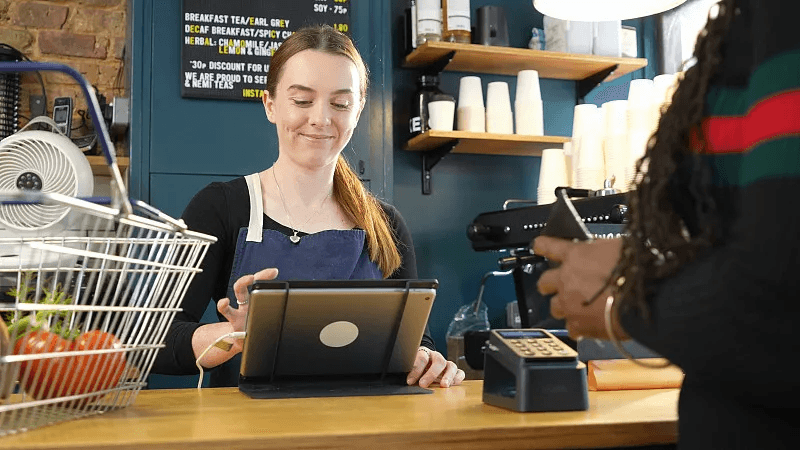
Keep floor, counter, and kitchen teams aligned as orders move through each stage of service.
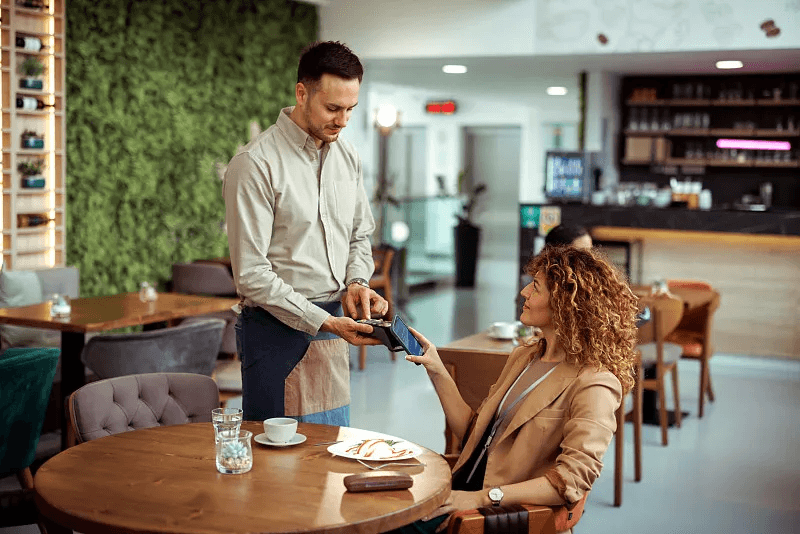
Close checks where the guest is with card, tap to pay, and flexible split-payment options.
Intelura connects tableside ordering, kitchen timing, floor status, split payments, loyalty, and delivery orders in one live workspace.
Step 01
Staff take orders tableside on any phone or tablet. Orders are assigned to the table, courses are sent to the kitchen in sequence, and the kitchen display shows preparation context.
Burger
Sea bass
Fries
Dessert
Current order
T01
Live2 guests
T02
Reserved4 guests
T04
Cleaning6 guests
T08
Paid2 guests
T12
Live4 guests
T15
Open6 guests
Step 02
Managers see every table in real time - Live, Reserved, Cleaning, Paid - with time-active tracking and guest counts across every section.
Step 03
Send starters, mains, and desserts to the kitchen in sequence so preparation timing matches the pace of service.
Starters
07:20Ready
Mains
08:21Cooking
Desserts
09:22Queued
Table 12 bill
Payment methods
Step 04
Split any check equally between guests or by individual item. Each guest pays through cash, card, tap to pay, or QR.
Step 05
Dine-in customers earn loyalty points through Gold, Silver, and Bronze tiers, with the customer tier visible at checkout.
Theodore Kai
Gold member
842 points this month
Loyalty tiers
Dine-in
86
Delivery
24
Takeaway
18
Unified order stream
Step 06
Delivery platform orders sync into the same POS and kitchen display as dine-in orders, keeping the whole operation in one view.
Straight answers on hardware, open checks, course timing, payments, delivery orders.
No. Intelura POS runs on phones and tablets your team already uses. You can add optional printers, cash drawers, or fixed displays when your service setup needs them.
Yes. Keep a check assigned to its table, add items throughout service, and maintain a clear view of the running total until the table is ready to pay.
Yes. Staff can send starters, mains, and desserts in sequence so the kitchen sees the right preparation context and can pace each table more clearly.
Split a check equally or by individual item, then let each guest pay with cash, card, tap to pay, or QR according to the payment options enabled for your venue.
Yes. Delivery and dine-in orders can appear in the same POS and kitchen display while retaining the source and service context the team needs for preparation and handoff.
Ready for a cleaner service flow?
See how Intelura POS can support ordering, tables, kitchen operations, staff, inventory, loyalty, and analytics for your food and beverage venue. Start free today - no credit card, no hardware, no commitment.
Free plan available - no credit card · 30-day trial on Growth and Premium · No Intelura platform fees on transactions · Cancel any time