
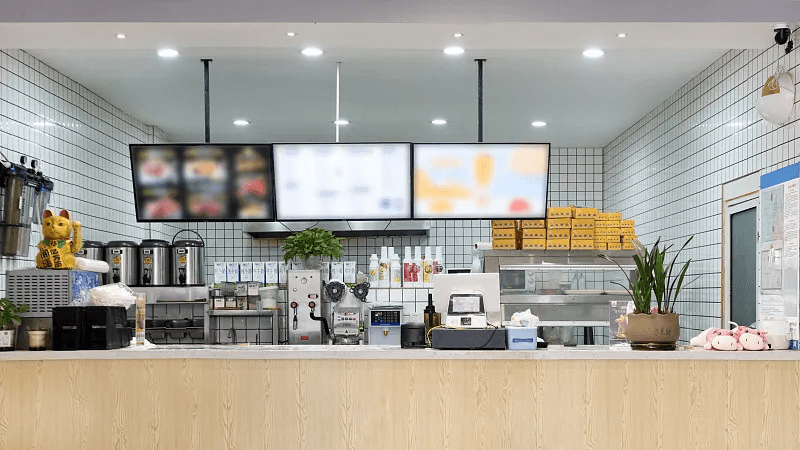
Move more orders through every rush
Keep item selection, modifiers, and checkout fast when the queue and order volume climb.
Quick-service restaurants
Intelura POS gives quick-service teams a clean, fast ordering interface built for high-volume counter service - large item grids, fast modifier selection, tap-to-pay checkout, and kitchen routing that keeps preparation on pace with ordering speed.
Counter service
Live checkout
Fast item grid
All itemsCurrent order
Counter 03 - takeaway
Classic Burger
No onions
Fries
Large
Iced coffee
Oat milk
Total
GBP 18.60
Intelura helps quick-service teams keep queues shorter, orders clearer, and every shift moving at the pace customers expect.
Keep item selection, modifiers, and checkout fast when the queue and order volume climb.
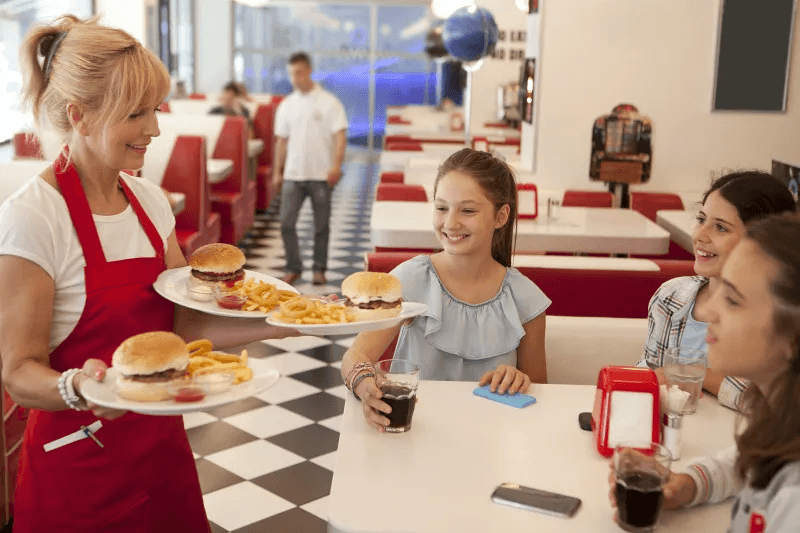
Give counter and kitchen teams the same clear order details from payment through preparation.
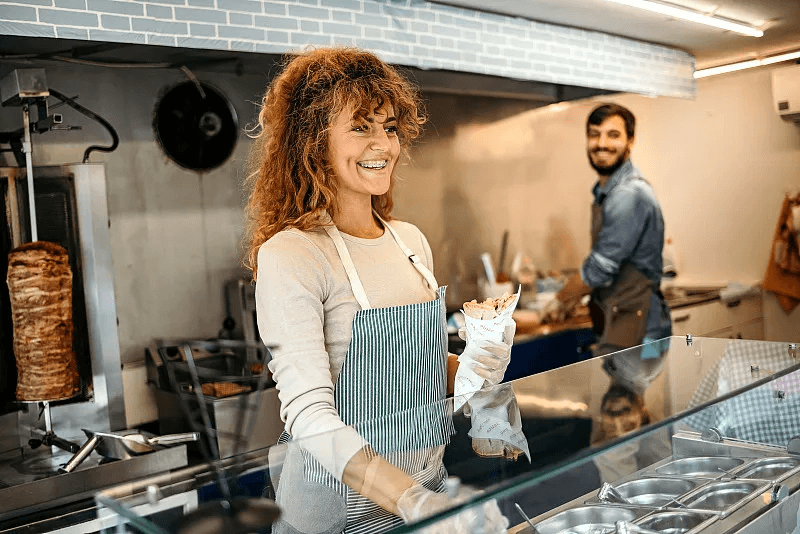
Use familiar workflows that help staff learn quickly and keep every handoff moving.
Intelura keeps ordering, payment, kitchen routing, collection, and staff training simple enough for fast service.
Step 01
Large item cards with photos make selection fast. Modifiers applied in one tap. Payment via Apple Pay or Google Pay on any phone - no card terminal, no delay.
Burger
Fries
Wrap
Coffee
Salad
Shake
Current order
GBP 18.60
Tap customer card
Payment ready
Step 02
Accept contactless card payments, Apple Pay, and Google Pay on any iPhone or Android device. No card terminal on the counter. No hardware to buy, lease, or maintain.
Step 03
Orders route to the kitchen display immediately after payment. No paper tickets. No shouting. No missed orders during a rush.
#Q-184
Grill
#Q-185
Fryer
#Q-186
Drinks
Pickup queue
Collection context
Name
Time
Bag
Ready
Step 04
Create takeaway orders with customer name and pickup time. Kitchen sees the collection context. Staff mark as ready when prepared.
Step 05
New counter staff can learn the full ordering and payment workflow in under 15 minutes. Clear layout, familiar controls.
New starter
15 min
to first checkout
Guided workflow
Select item
Apply modifier
Take payment
Route to kitchen
Clear answers on hardware, ordering speed, modifiers, kitchen routing, collection orders, and staff training.
No. Intelura POS runs on compatible phones and tablets your team already uses. Optional printers, displays, and other devices can be added when your service setup needs them.
Large item cards, category navigation, search, and one-tap modifiers help staff build and complete orders with fewer steps during high-volume service.
Yes. Create required or optional modifier groups for sizes, sides, drinks, sauces, upgrades, and other choices attached to each menu item.
Orders can route directly to the kitchen display with the service type, items, modifiers, and preparation notes the team needs to begin work.
Yes. Add customer names and collection context, follow preparation status, and mark an order ready for a clearer pickup handoff.
Intelura uses clear layouts and familiar controls designed to reduce training time. Most counter workflows can be introduced in a short guided session before service.
Ready for a cleaner service flow?
See how Intelura POS can support ordering, tables, kitchen operations, staff, inventory, loyalty, and analytics for your food and beverage venue. Start free today - no credit card, no hardware, no commitment.
Free plan available - no credit card · 30-day trial on Growth and Premium · No Intelura platform fees on transactions · Cancel any time